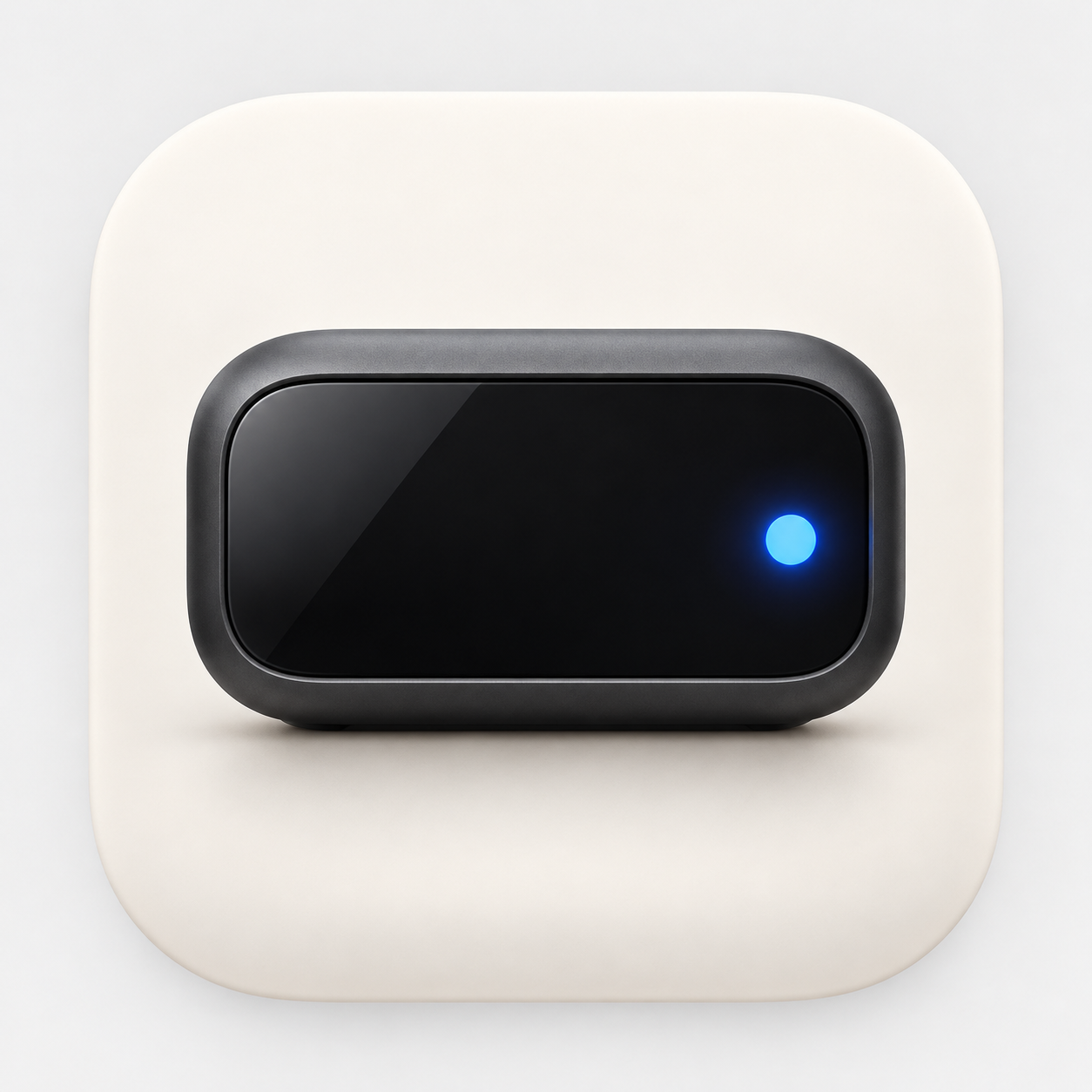
From interfaces to a physical product: why I’m building Clutch
I’m a UI/UX designer in Kyiv, building a physical product with Codex. My goal is to sell assembled devices and share the materials for a DIY build. This is the first Clutch.DIY journal entry.
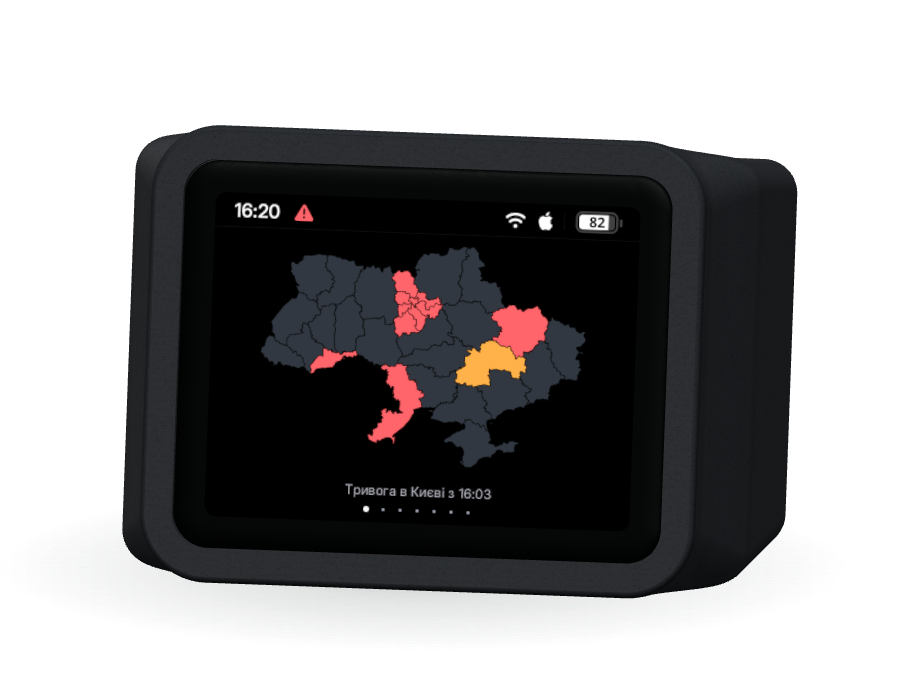
Hi, I’m Sasha, a UI/UX designer based in Kyiv. I’m building Clutch.DIY, a small desktop device for important notifications and everyday information. Through this project, I want to take responsibility for the whole product: from a person’s needs to something they can hold, set up, and use every day.
Why I started building a device
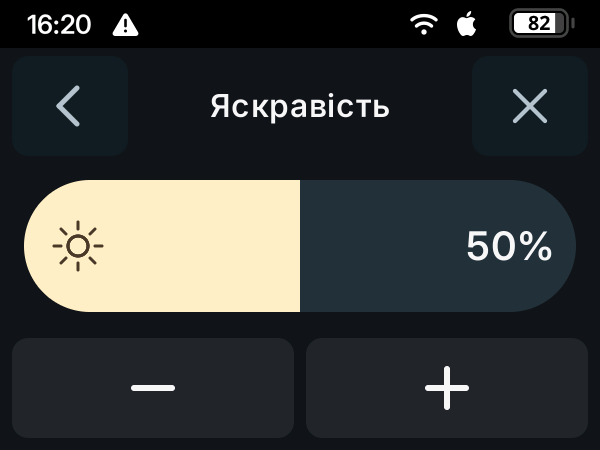
Designing interfaces has taught me to think about use cases, clarity, and the details of interaction. With Clutch, those questions became physical. Where will it sit? Can you read it at a glance? How will it get your attention while you’re busy? Will its light disturb you at night? What does adjusting the brightness feel like under your finger?
I have three goals: grow as a designer by working on a complete product; create a useful device that I can eventually sell assembled; and prepare openly available materials for people who want to build their own Clutch.
Useful during alerts and throughout the day
For people in Ukraine, air raid alerts are part of everyday life. I want to give that information a clear place at home or on a desk. Clutch shows the state on its display. Together with compatible Philips Hue lights and voice notifications played by a Mac, it can also use light and sound to draw attention.
That brings many product decisions: which signals to enable, how to adapt them to a person’s preferences, and how to restore the lights after a notification. The current prototype’s combined display, Mac voice, and five-lamp Hue scenarios have passed controlled checks. Longer-term operation and reliability are still being tested.
Between alerts, the device stays useful. It has a clock, weather, reminders, and widgets, including room readings from Netatmo, EcoFlow power-station status, and Codex usage. Available information depends on the connected services; some integrations and voice notifications require a Mac to be on.
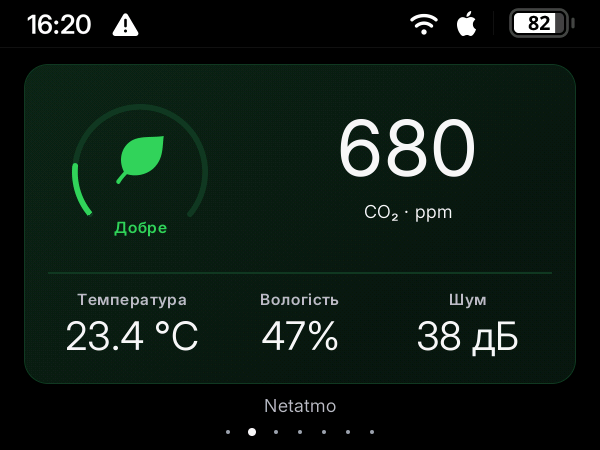
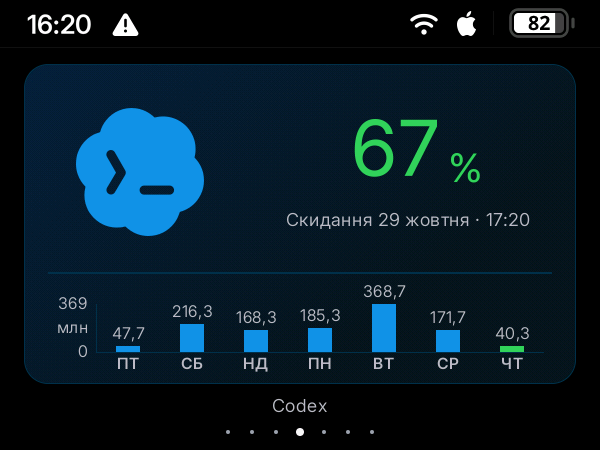
Clutch supplements official air raid notifications. Network information depends on its sources and connectivity; those limitations are part of the product work.
Where Codex comes in
Clutch brings together an enclosure, electronics, firmware, a native Mac app, and a website. Codex helps me implement decisions, investigate bugs, and prepare checks across these parts of the system. I define the use cases, design, and intended behavior, test the device in person, and decide whether the result meets the goal.
Our working cycle is simple: describe the behavior, implement a change with Codex, check it, and return with a specific observation. With a physical product, a successful software build can still be several iterations away from an interaction that feels right.
One small brightness control
For example, the brightness control already looked right, but its value changed too sharply under my finger. I wanted to keep the quick response while gaining more control. With Codex, I reduced its sensitivity by a quarter and checked movement in both directions, the limits, and the absence of a jump on initial touch. After installing the change, I tested how it felt on the actual device.
For me, that is a useful example of product design: describe a feeling, turn it into behavior, and bring it back to a physical check.
Buy an assembled device or build your own
I want Clutch to offer two paths. People will be able to buy an assembled device. Those who enjoy making things will be able to buy the matching components, print an enclosure on their own 3D printer, and use the materials I share.
The current prototype uses a LilyGO T4-S3 board with an AMOLED display, battery power, a current and energy monitoring module, and a custom enclosure. For the DIY version, I plan to publish a verified parts list, wiring diagram, enclosure files, code, and step-by-step assembly and setup instructions.
This is a development goal: the complete open build kit has not been published yet. I first need to settle the components, check that another person can reproduce the build, and prepare the materials with clear terms of use. I want people to understand what they are assembling and be able to follow the process.
Where the project stands
I have a physical prototype with a printed enclosure, firmware, a Mac app, and this website. The next work includes longer-running tests, power measurement, connection behavior, and getting the product ready for other people to use. Commercial availability and the public DIY kit are still ahead.
This post starts my public Clutch journal. I’ll share specific decisions, failed attempts, checks, and results. I plan to post short progress stories on my personal Instagram, @mr.cnnbs, with detailed write-ups here on the blog.
I hope this experience helps other designers and people with ideas start building with Codex and learn how to check their results. My next planned walkthrough follows one notification: from the display state to light, voice, and the return to normal operation.